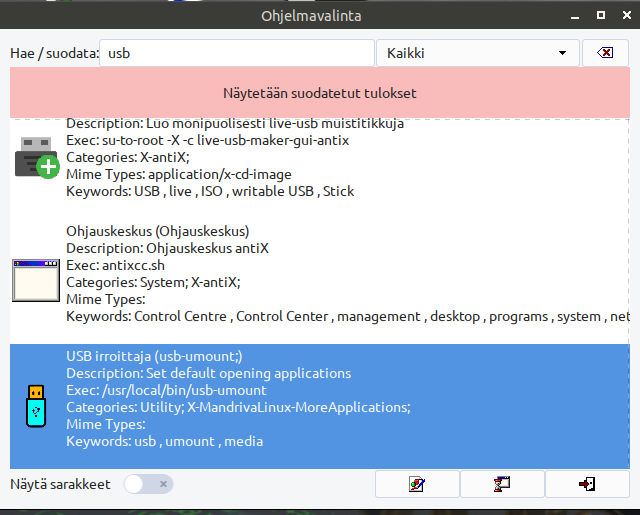
Simple USB and removable media unmounter which can be use as Caja script also. With RPM-version you may need to install udevil package by hand. udevil can be found from
https://raw.githubusercontent.com/rpmsphere/x86_64/master/u/udevil-0.4.4-5.1.x86_64.rpm
DEB-USB-unmouter-with-script.zip
RPM-USB-umount-with-source.zip
#!/bin/bash

#

# RJP 29.9.2026 Simple usb unmounter, which can use as Caja script also
MEDIA=$(lsblk -l -p -o name,rm,hotplug,mountpoint | awk '{ print $4 }' | grep media > /tmp/MEDIA)
choose=$(cat /tmp/MEDIA | \
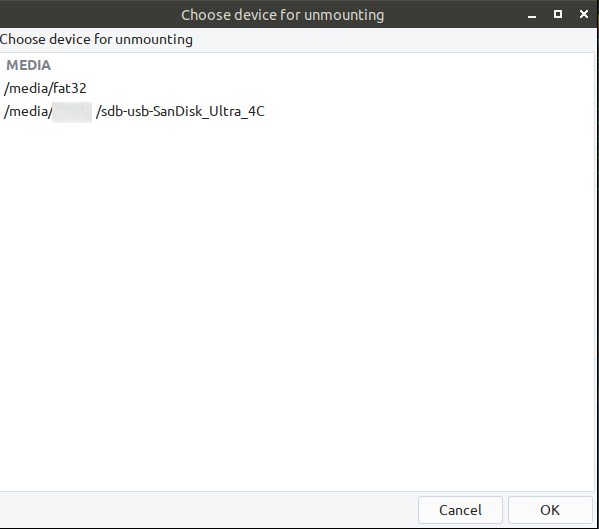
yad --list --text="Choose device for unmounting" --title="Choose device for unmounting" --height=500 --width=600 --center \
--column="MEDIA $MEDIA")
cat "$choose" 2> /tmp/valinta.txt
cat /tmp/valinta.txt | awk '{print $2}' > /tmp/valinta2
cat /tmp/valinta2 | sed 's/^.//' > /tmp/valinta3
sed -i 's/.$//' /tmp/valinta3
sed -i 's/.$//' /tmp/valinta3
sed -i 's/.$//' /tmp/valinta3
udevil umount $(cat /tmp/valinta3)
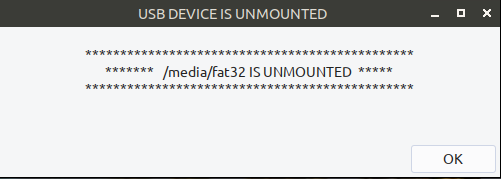
yad --width=500 --text-align=center --button=OK:0 --center --height=150 --text="
***********************************************
******* $(cat /tmp/valinta3) IS UNMOUNTED *****
***********************************************
" --title="USB DEVICE IS UNMOUNTED"
sleep 1
cd /tmp && rm valinta.txt valinta2 valinta3 MEDIA